ADOBE: DATA DASHBOARD
Services
UI/UX Case Studies
Client
ADOBE: DATA DASHBOARD
Location
San Jose, CA
Year
2025
Credits
This project is protected under a non-disclosure agreement (NDA) and cannot be displayed publicly. Please click the button below if you’d like to learn more or view the case study privately.
Adobe Customer Journey Analytics (CJA) is a solution within the B2B Adobe Experience Cloud that helps organizations understand the complete customer journey across all touch points whether on web, mobile, in-store, or offline channels.
Info
Rapidly onboarded into a complex enterprise data platform, designing features used by enterprise analytics teams managing multi-million–event datasets, building fluency in technical concepts and workflows, while adapting to evolving product requirements.Collaborated closely with product managers, engineers, researchers, and senior designers to translate data-heavy user needs into clear, intuitive interface solutions. Contributed to end-to-end UX workflows, including interaction design, information architecture, user flows, journey mapping, wireframing, high-fidelity prototyping, and usability validation. Conducted research synthesis and iterative refinement based on cross-functional feedback.
Project Brief: Give data admins a single access point to a comprehensive view of their data in CJA Design a home page experience for data admins that serve as the central hub for managing data across the organization. This page should help users monitor data, check data health, and prioritize onboarding workflows. It must also highlight and integrate Al-powered features that accelerate tasks like onboarding, cleanup, and error detection. Timeline: Considering the shutdown, orientation, and intern summit, I structured my process across roughly seven weeks: one two weeks for research, one week learning spectrum, one week for ideation, one week for development, one week focused on gathering feedback, and a final week to refine and wrap everything up.
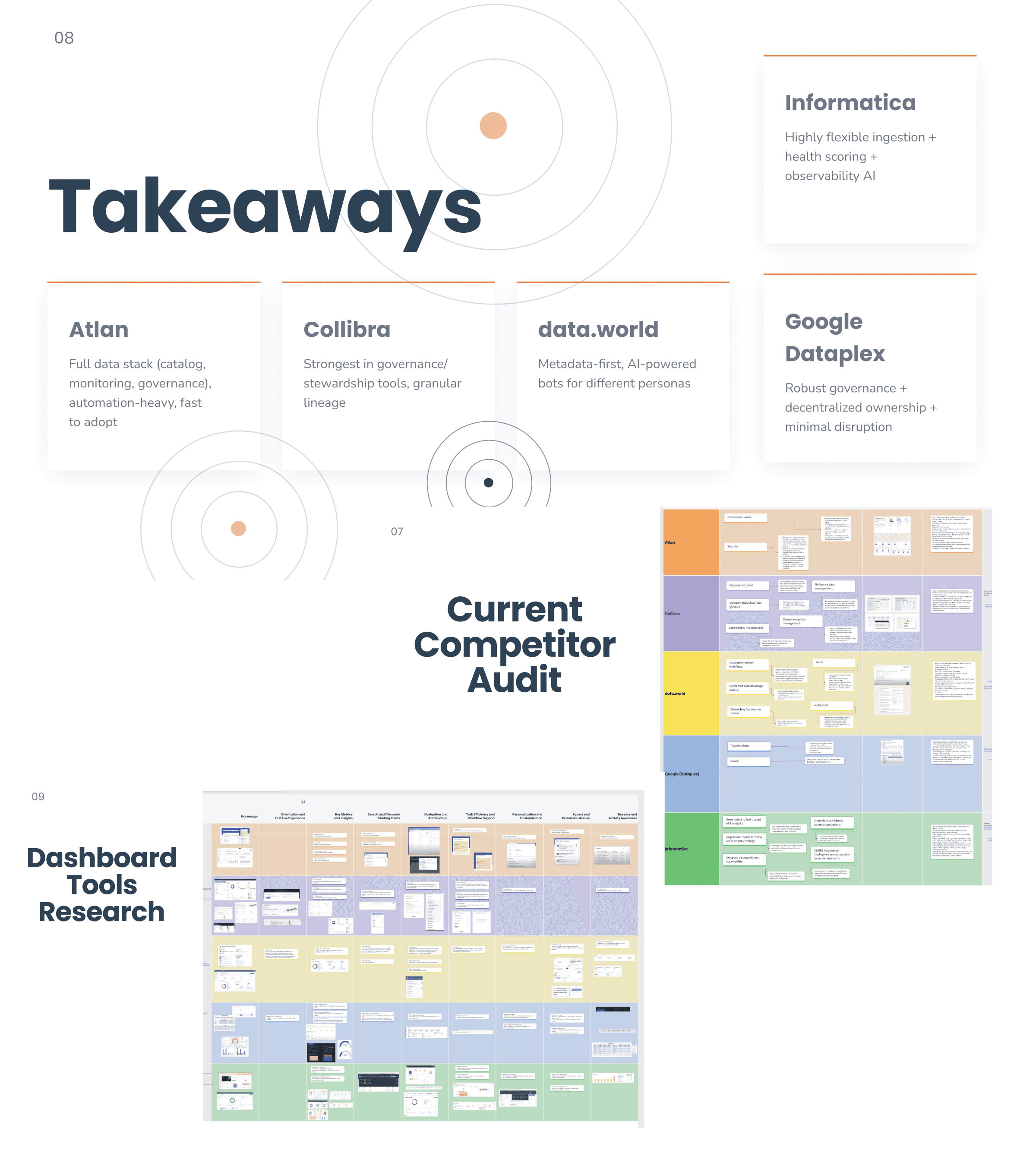
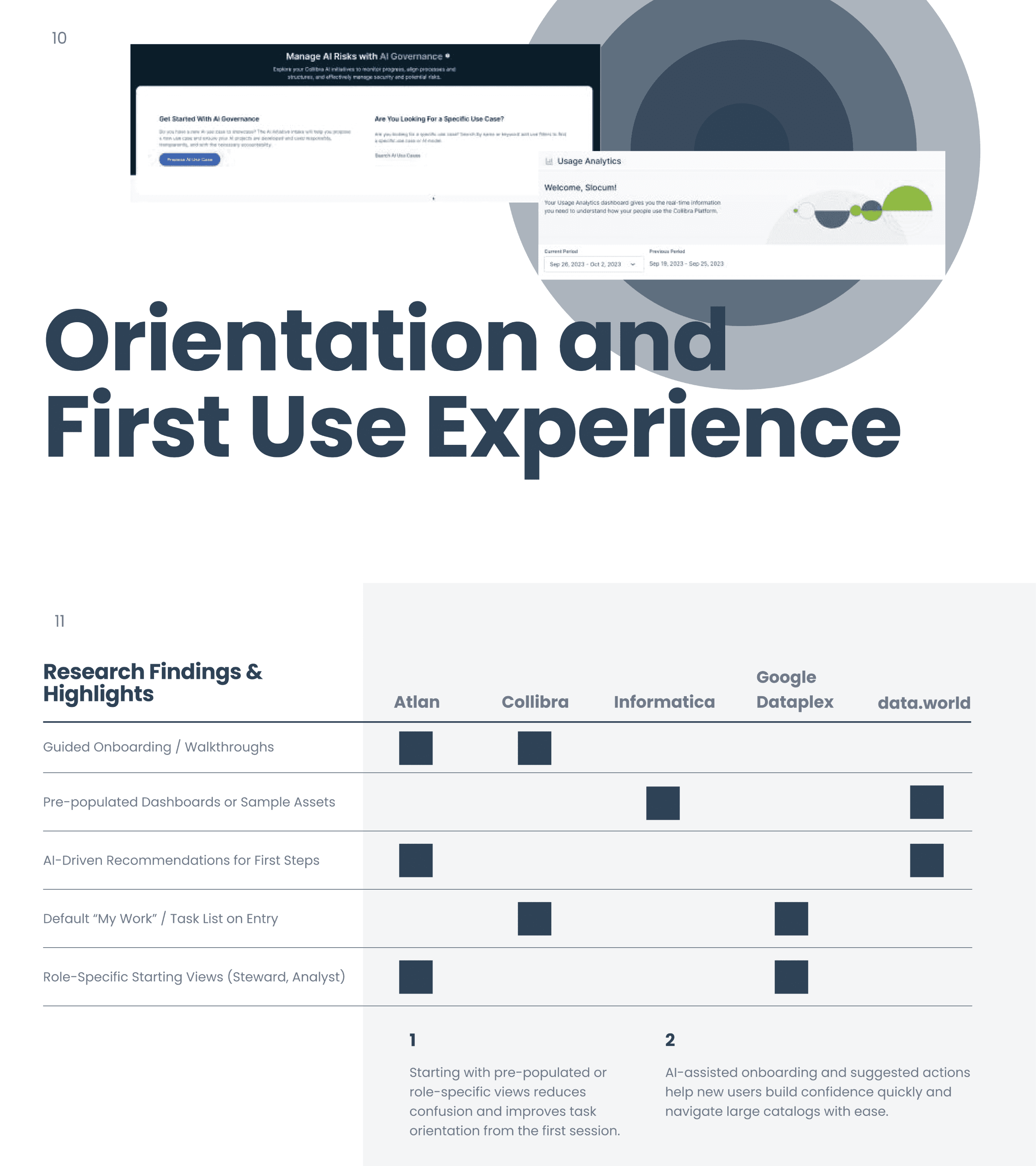
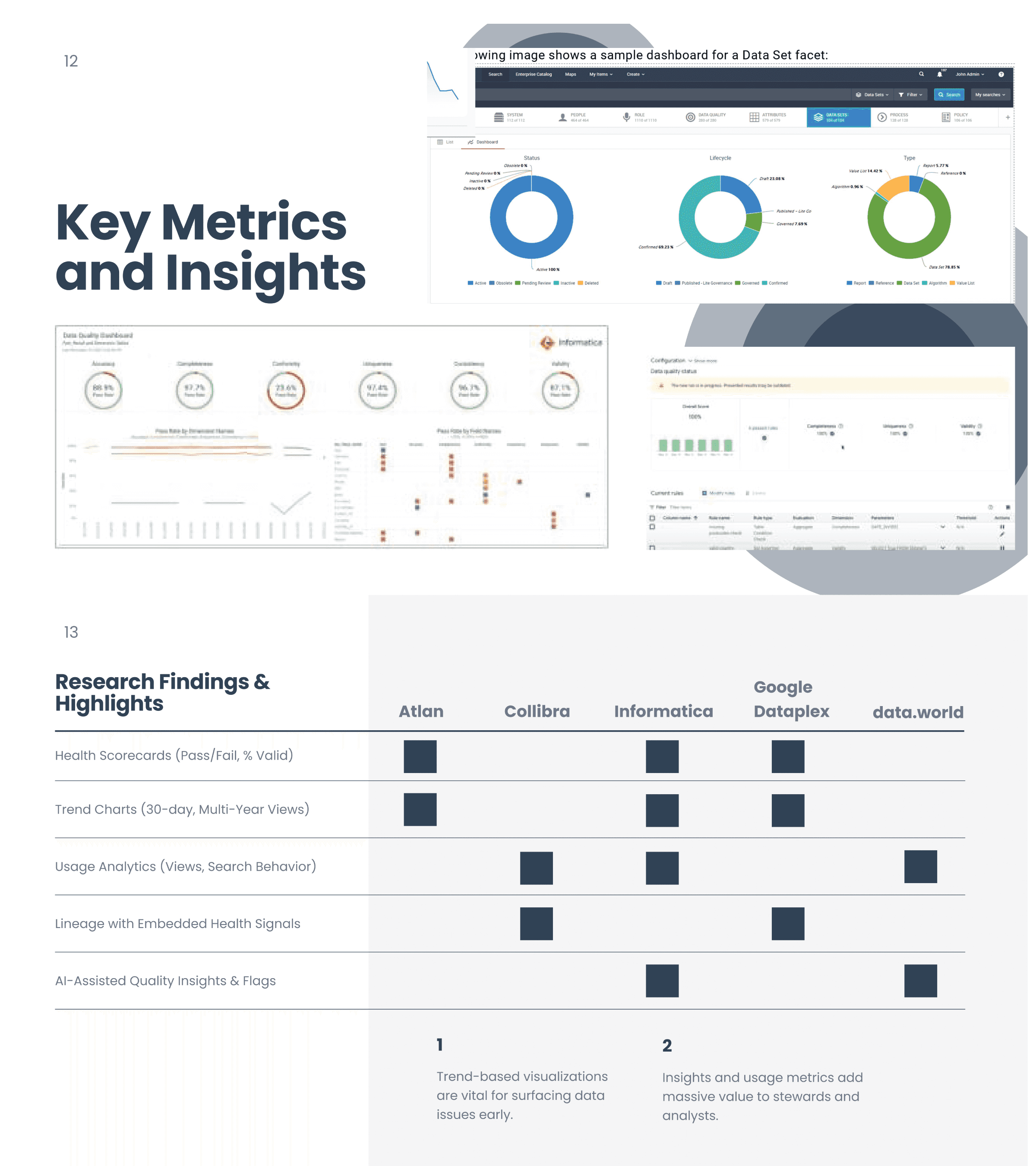
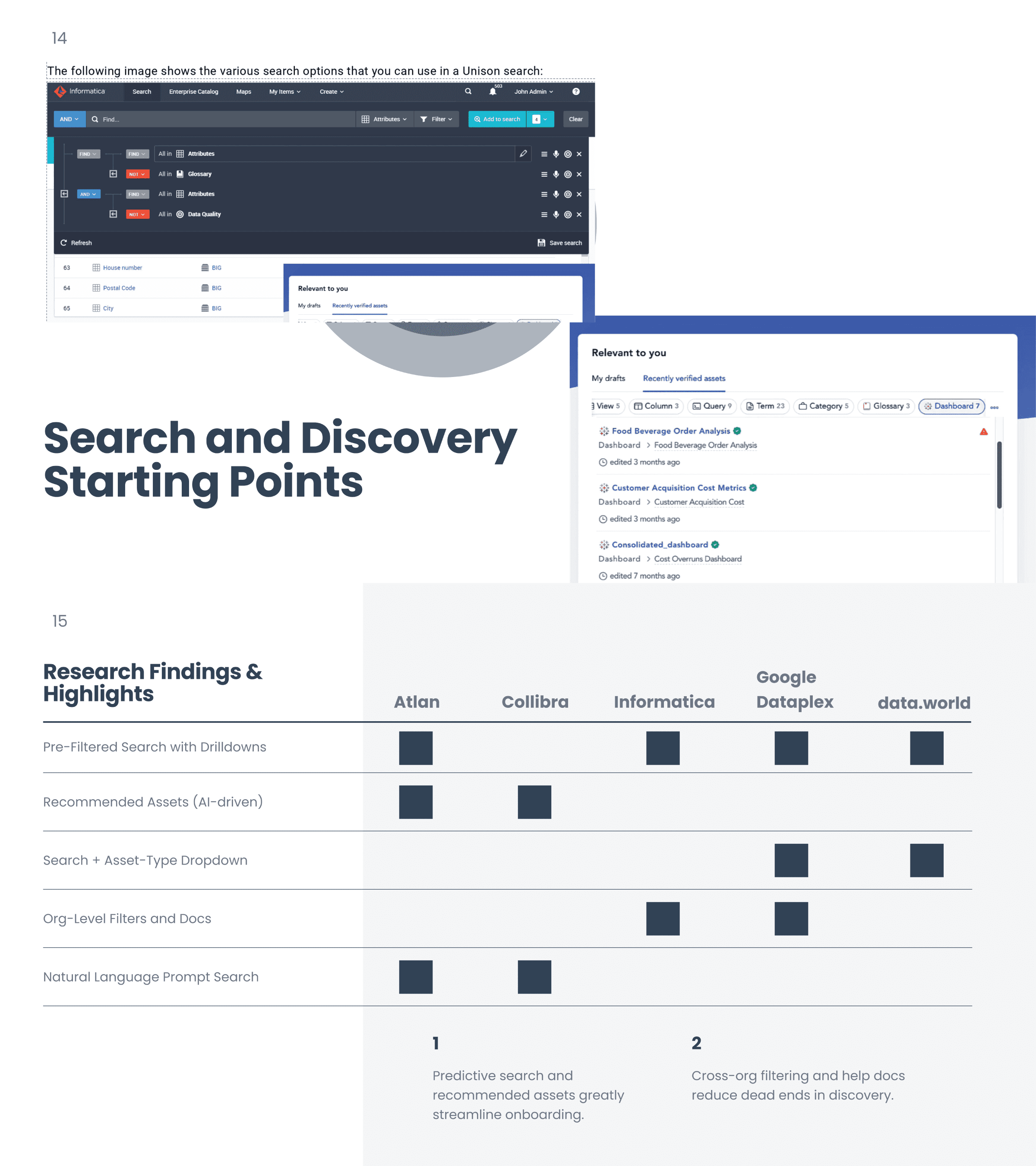
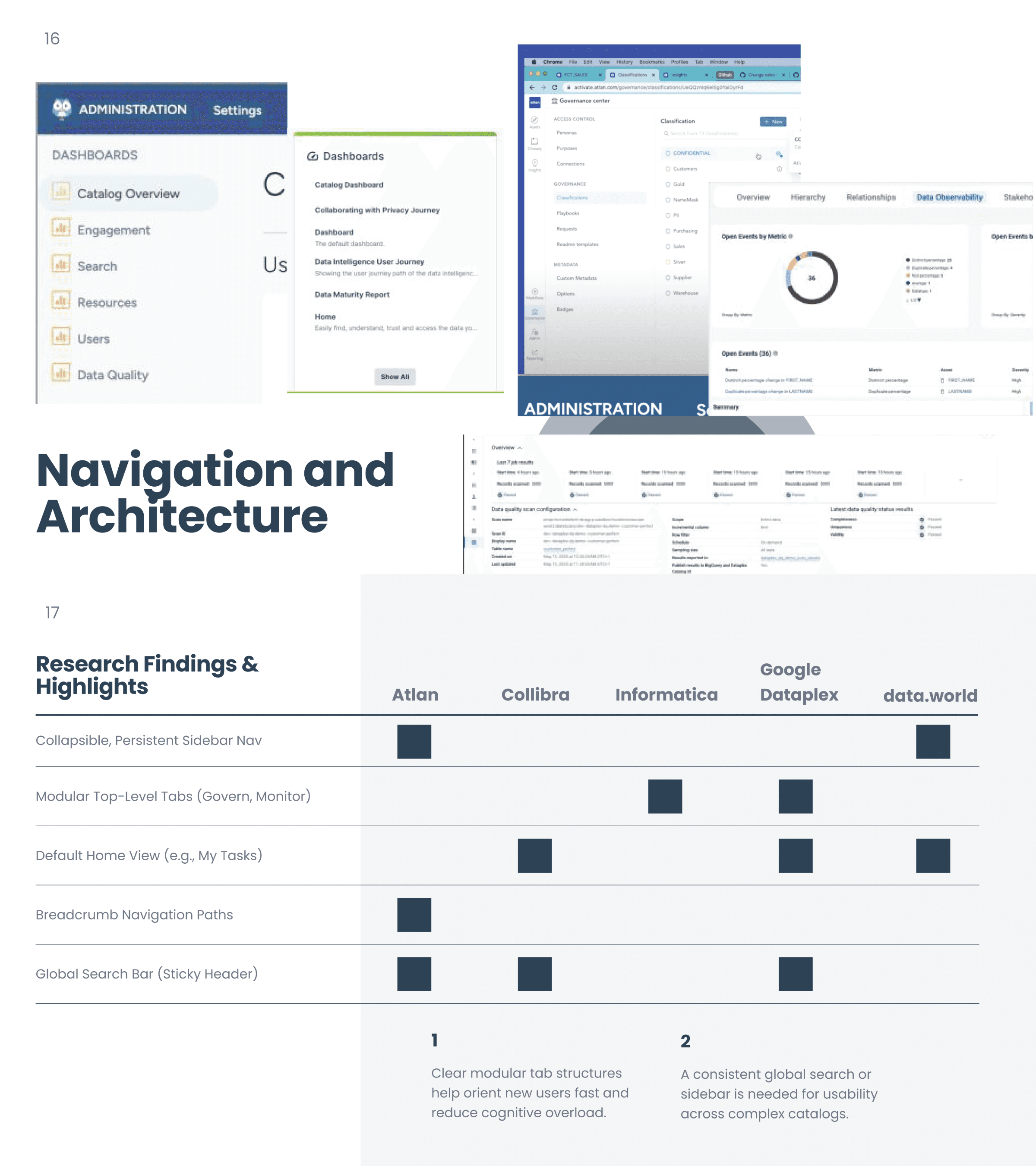
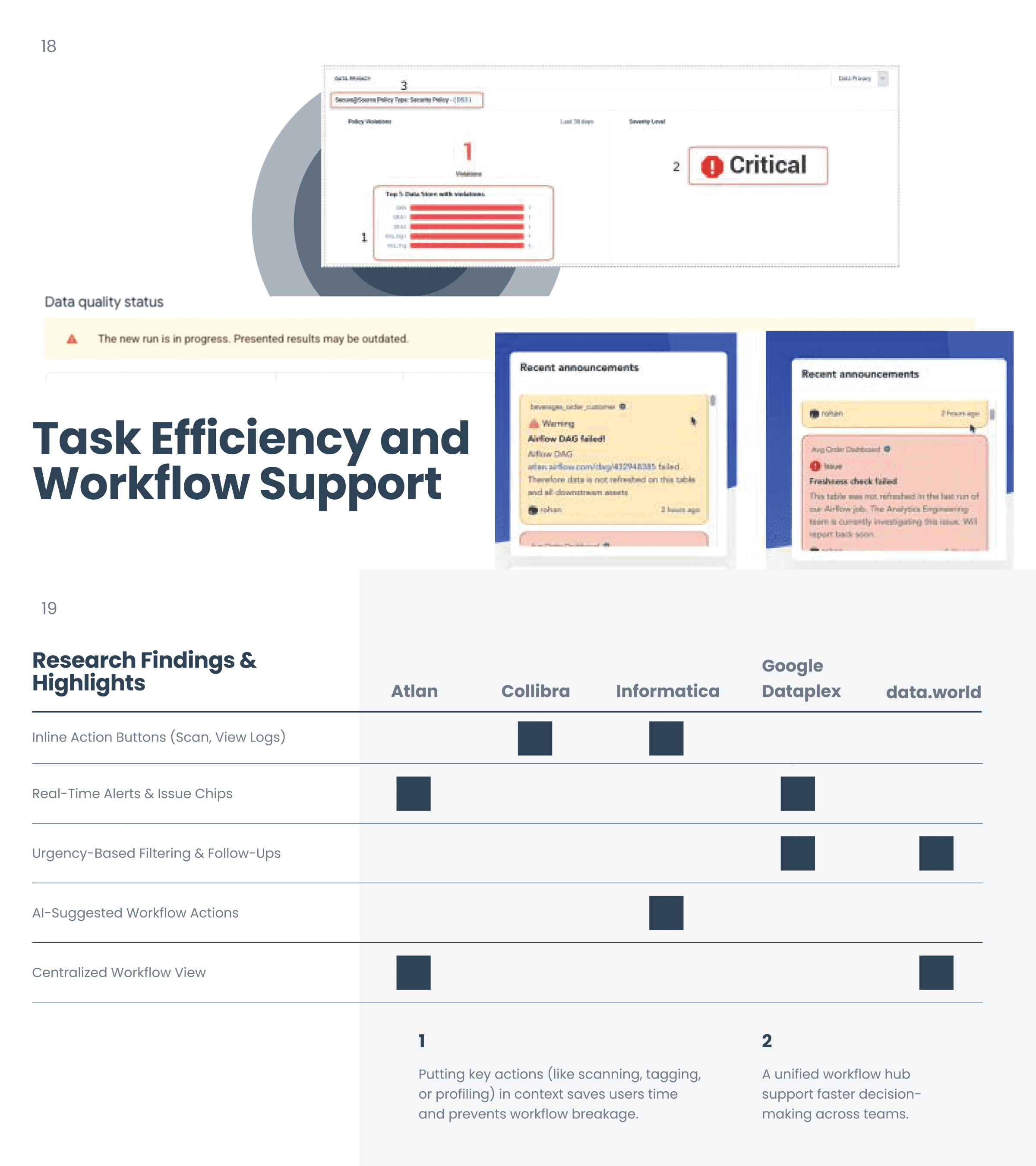
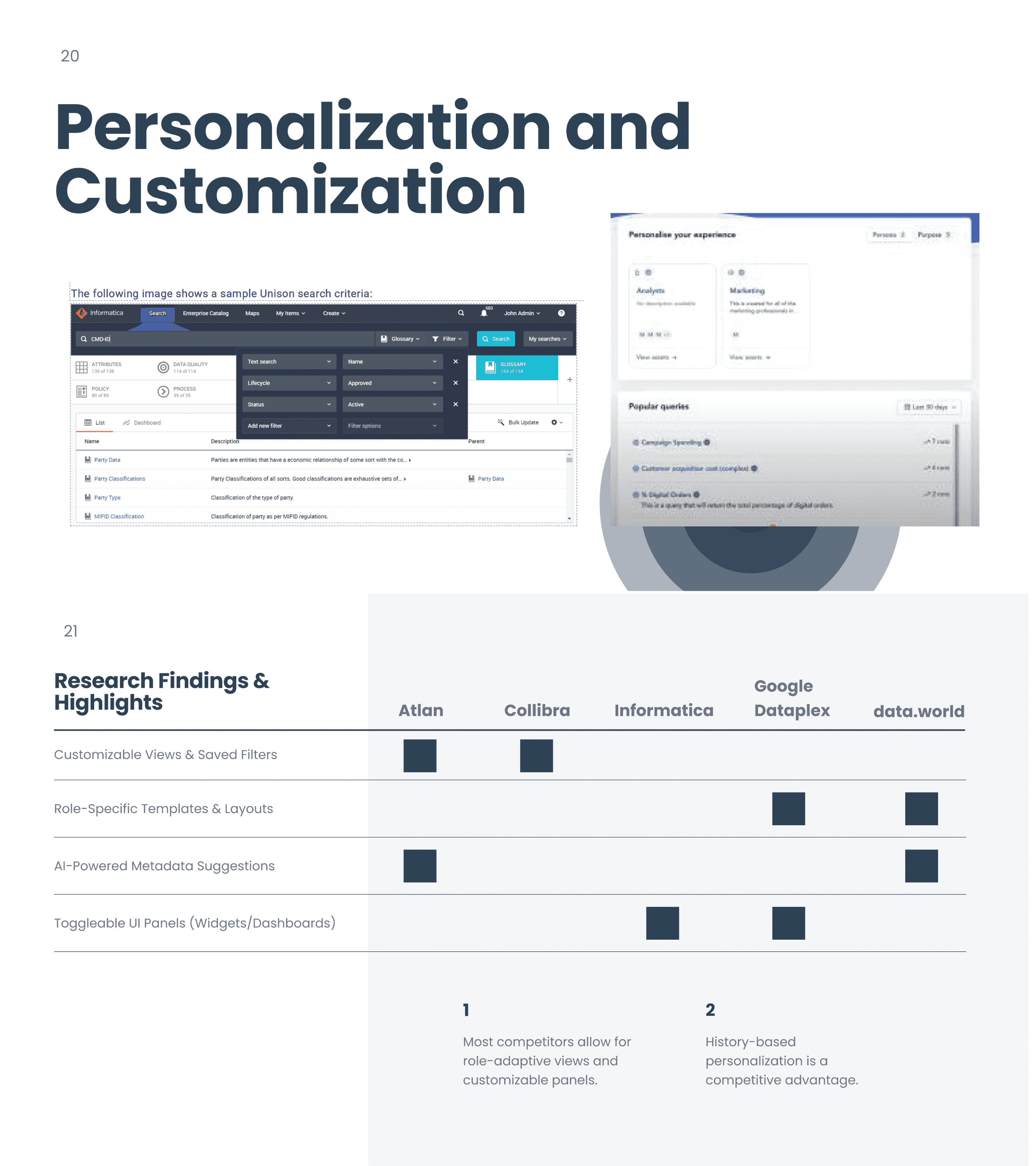
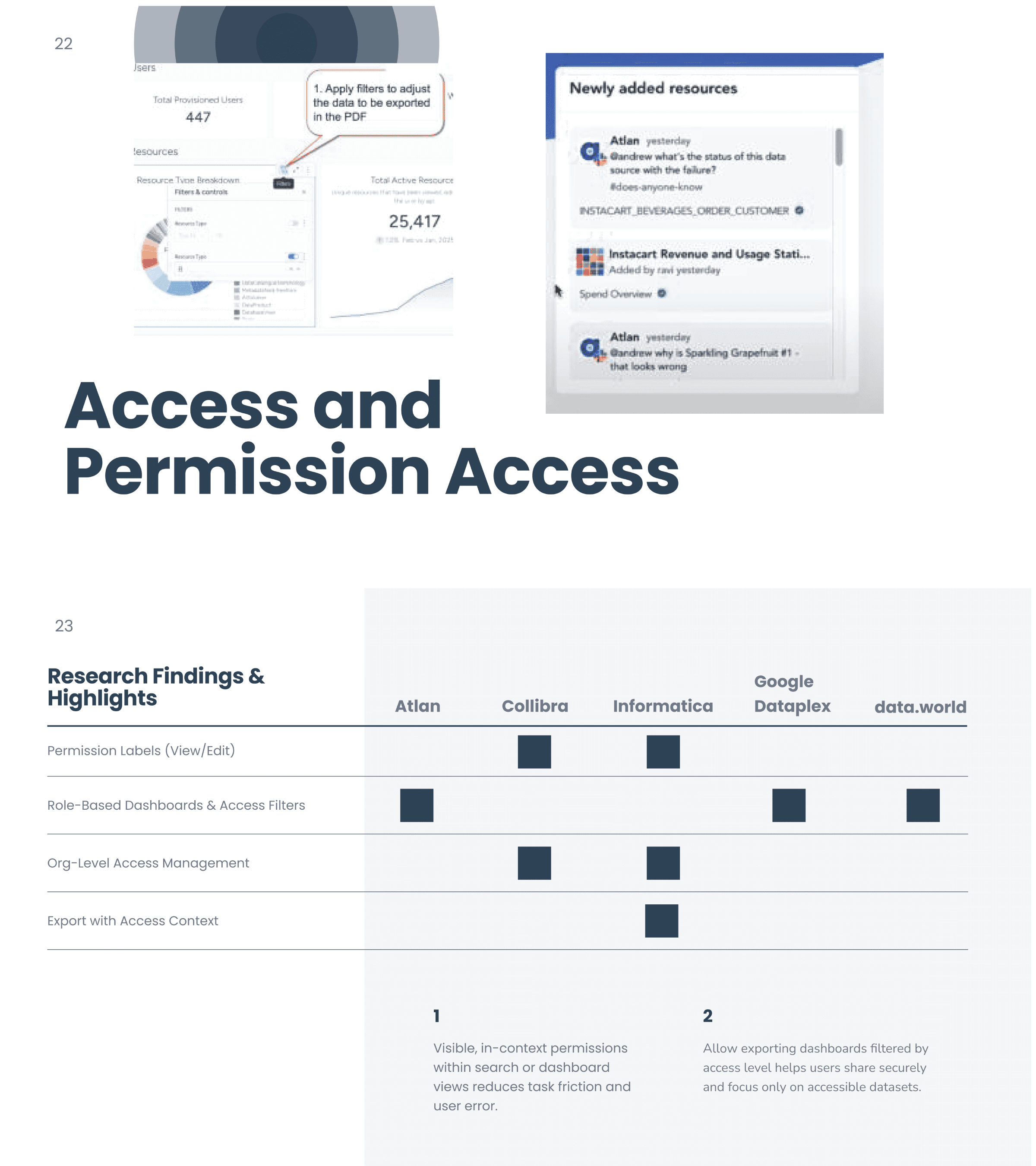
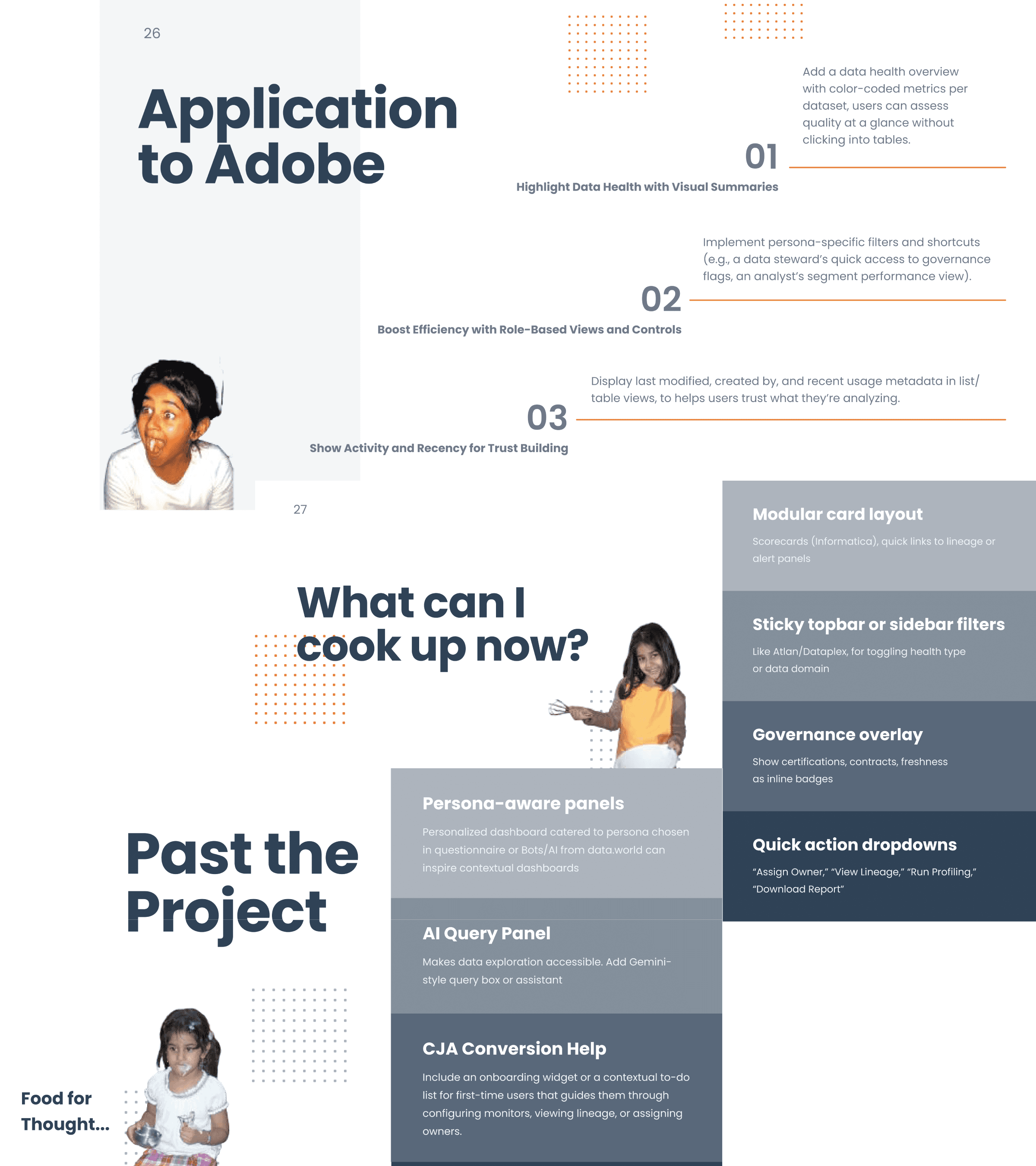
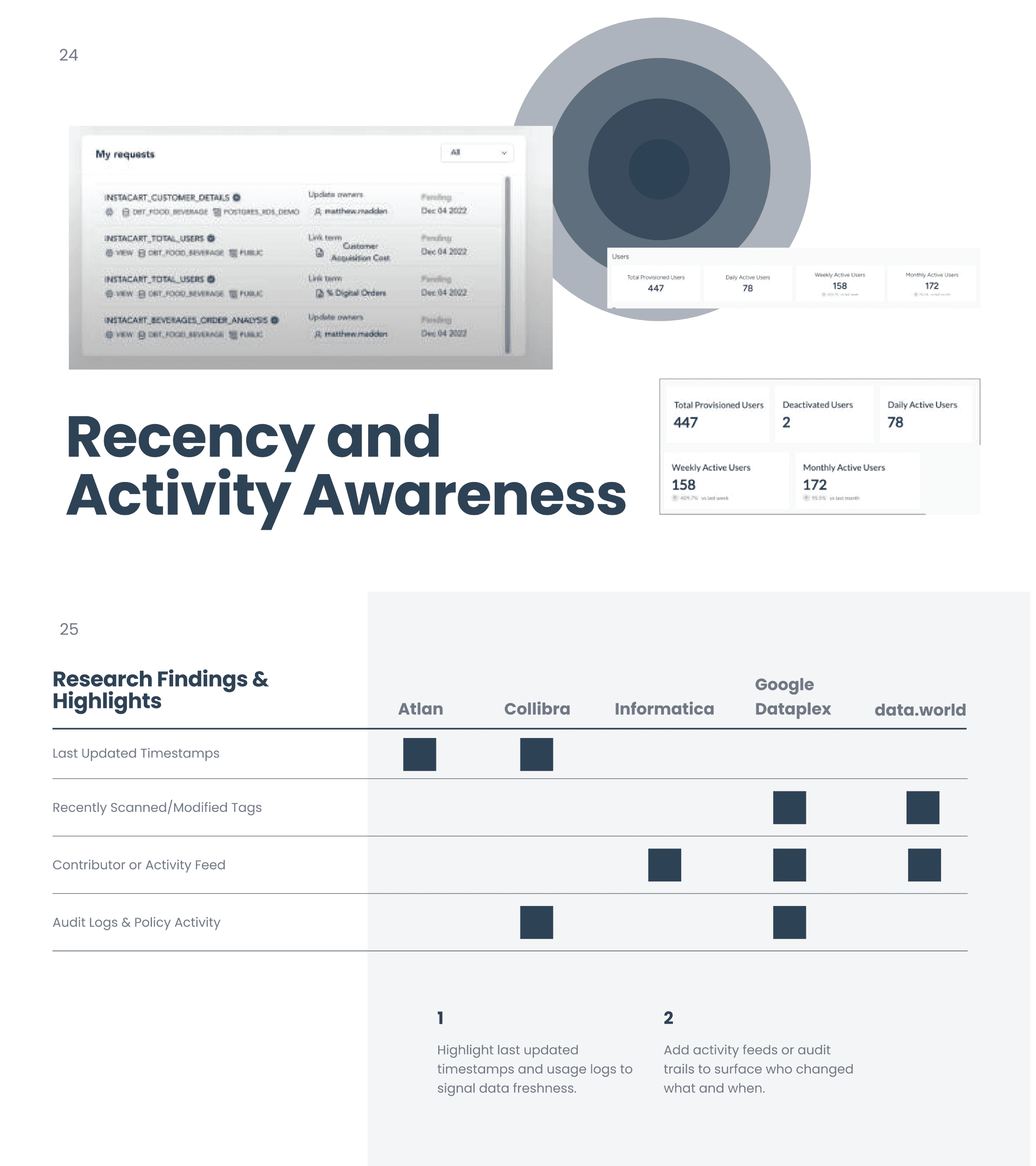
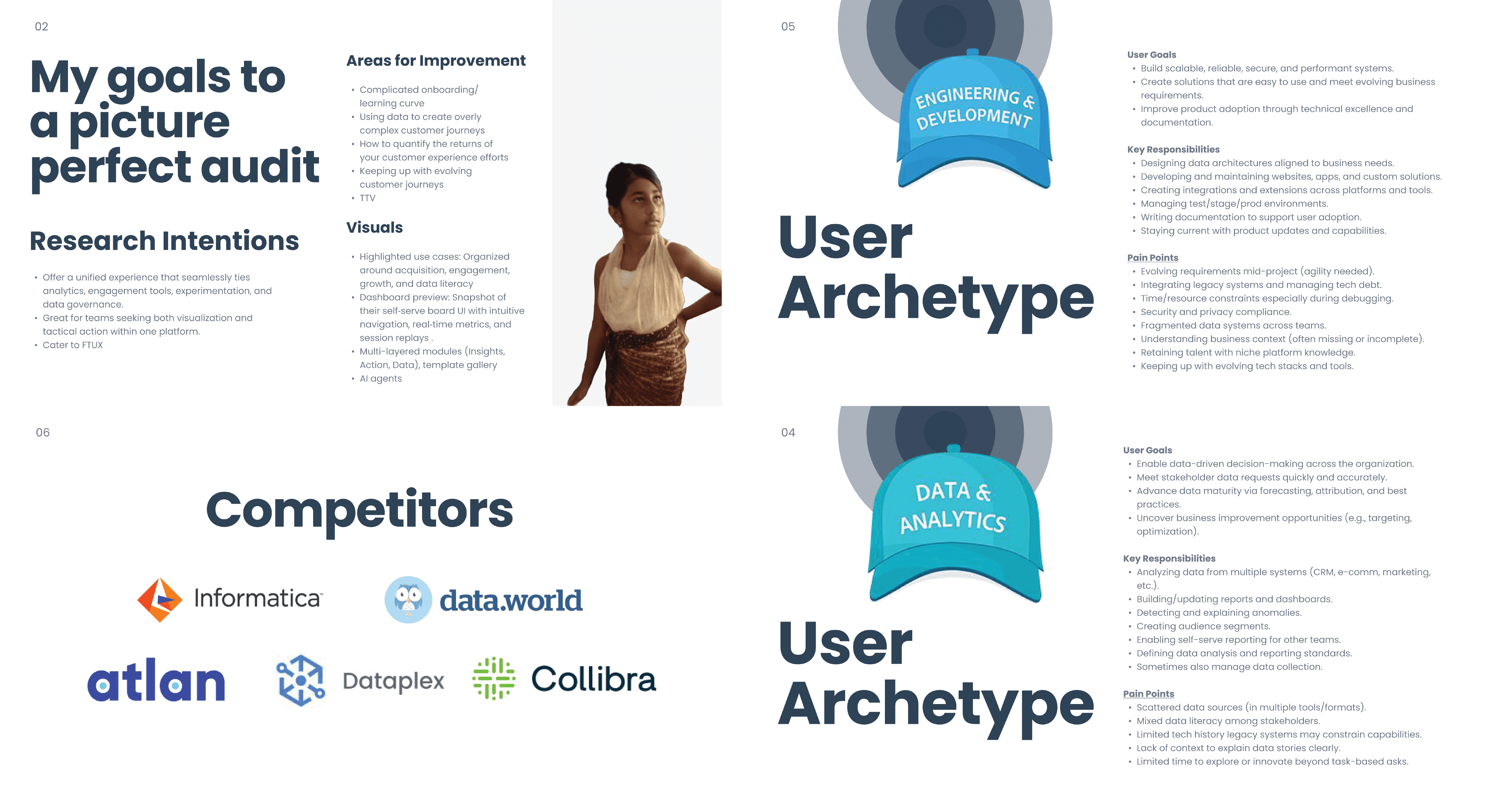
Competitive analysis presentation highlighting insights and application to my process. Slides were presented to the team to apply to other projects.
How can we clearly show what's done, what's next, and what's most important? Where can Al assist in speeding up setup or filling in gaps? Pretens Cedrand How can we reduce friction and prevent overwhelm for first-time users?